Buying guide
Custom Team Names vs Home / Guest: Choosing a Portable LED Scoreboard
A portable scoreboard does not need custom text for every court. The useful decision is whether the event needs changing team names on the display, or whether a fixed Home / Guest scoring layout is clearer and sufficient. This guide keeps that choice tied to the display fields and controls published for current RYK portable models, so buyers do not assume that one model's text or timing functions belong to another.
Start with the actual display wording required during an event. If staff only need a stable two-team score layout, a Home / Guest board can keep the request simple. If the displayed team names must change between fixtures, write the exact text workflow in the inquiry rather than treating any portable scoreboard as a custom-text model.
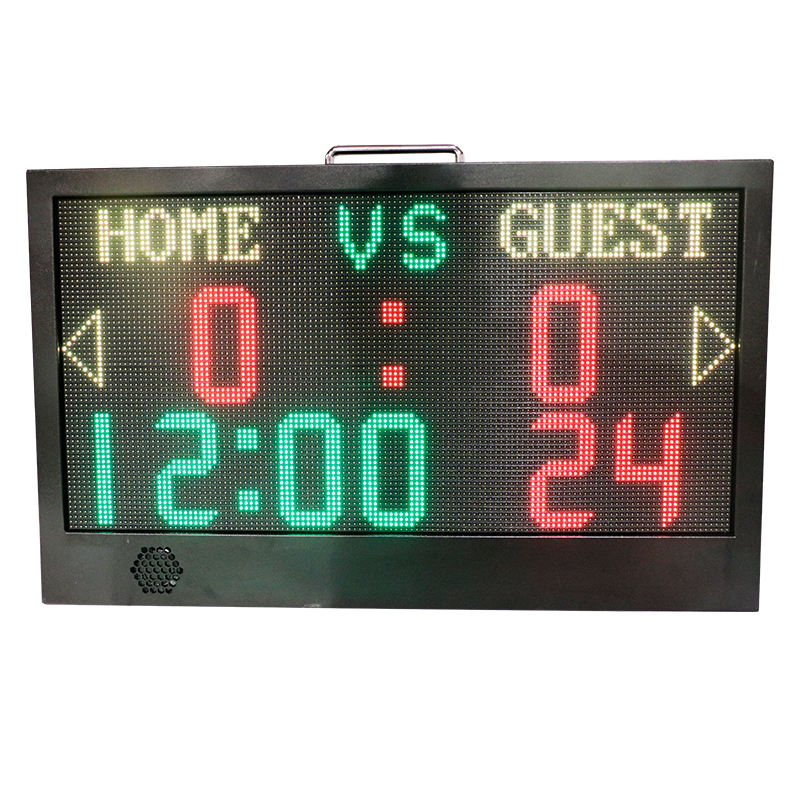
Use the YS APP Controlled Portable LED Scoreboard when its published display fields match the requirement. It lists custom team names, score, ball rights, a countdown timer, 24s and AD display, with APP control. State which of those fields are needed and request confirmation of the selected configuration; do not assume a different portable model provides the same text or app functions.
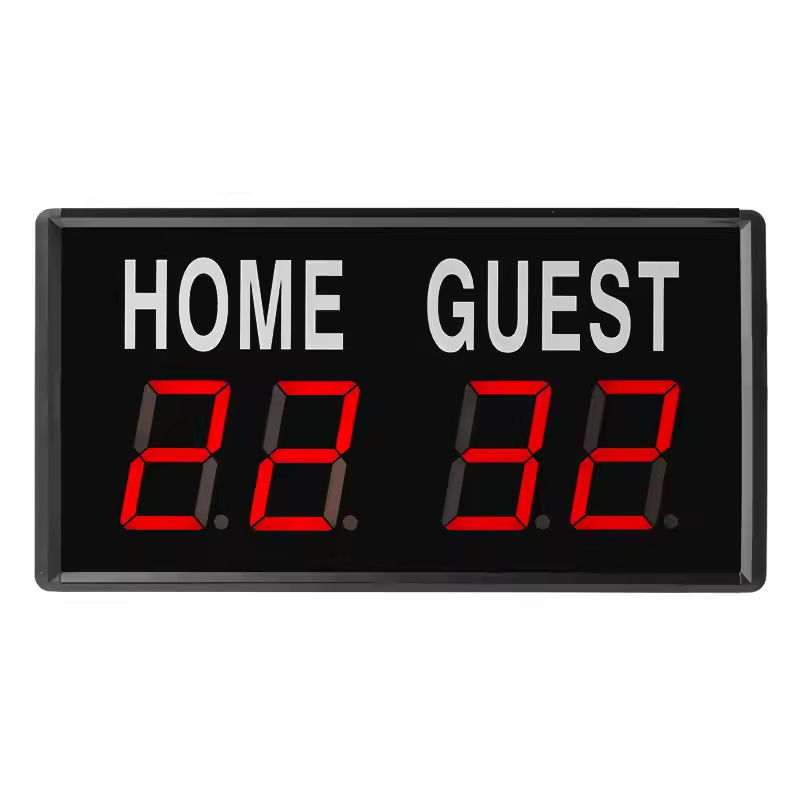
Choose the JX Portable Indoor LED Scoreboard for a focused Home / Guest score display. Its published role is a compact, 0.6 kg indoor board with LED score digits for simple two-team scoring; it does not list a timer, remote control or custom team-name field. Keep those requirements on separate quote lines if the event needs them.
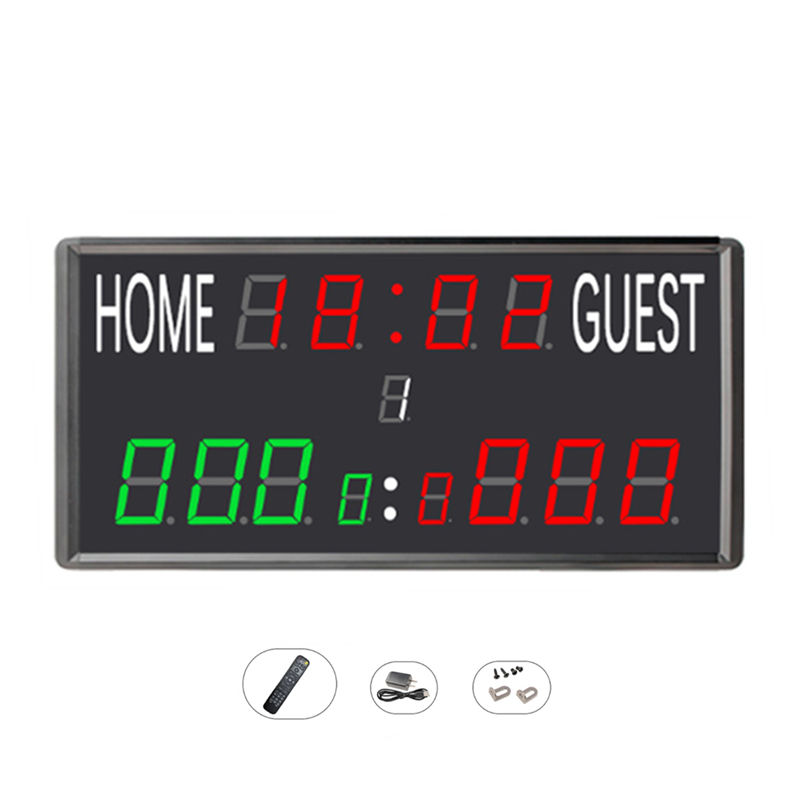
For a Home / Guest board that also needs game time, compare the JX LED Timer Scoreboard with Remote. Its published display combines an LED timer and Home / Guest score information with remote control, so it suits a buyer who needs basic timing without transferring the YS app board's custom-name or 24s fields into the specification.
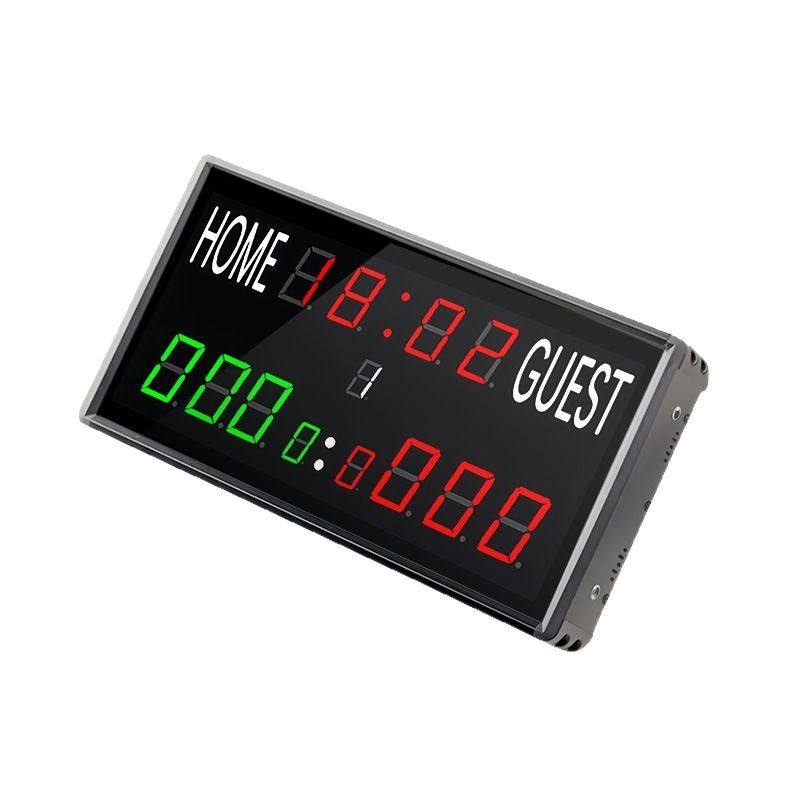
For portable scoring plus countdown and match time, compare the JX Multi-Function LED Scoreboard. It lists remote control with score, countdown and match-time display. Its product information does not state custom team-name display, so ask for confirmation instead of assuming that extra timing functions add editable text fields.
Keep display wording separate from venue identity or private-label requests. Provide the intended team-name text, sport, court count, expected event changes, required score and timing fields, preferred control method, model and quantity. Then ask RYK to confirm what the selected model can show and what remains outside the published configuration.
Send an itemized inquiry with the selected scoreboard, required display fields, whether Home / Guest or changing team names are needed, timing and 24-second requirements where applicable, control preference, destination and any accessory request. A written configuration summary avoids ordering a portable display whose visible information does not match the scorekeeper workflow.