Buying guide
Basketball Shot Clock Upgrade Checklist for Existing Courts
Adding 24-second timing to an existing basketball court is a compatibility and installation question, not simply a display purchase. Use the model information already available for the court, then match the shot-clock pair, control method, mounting position and accessories to that evidence before asking for a quote.
Record what is already installed before comparing new equipment: take photos of the main scoreboard, controller, display positions, power points and mounting structure, then include the visible model name or label in the inquiry.
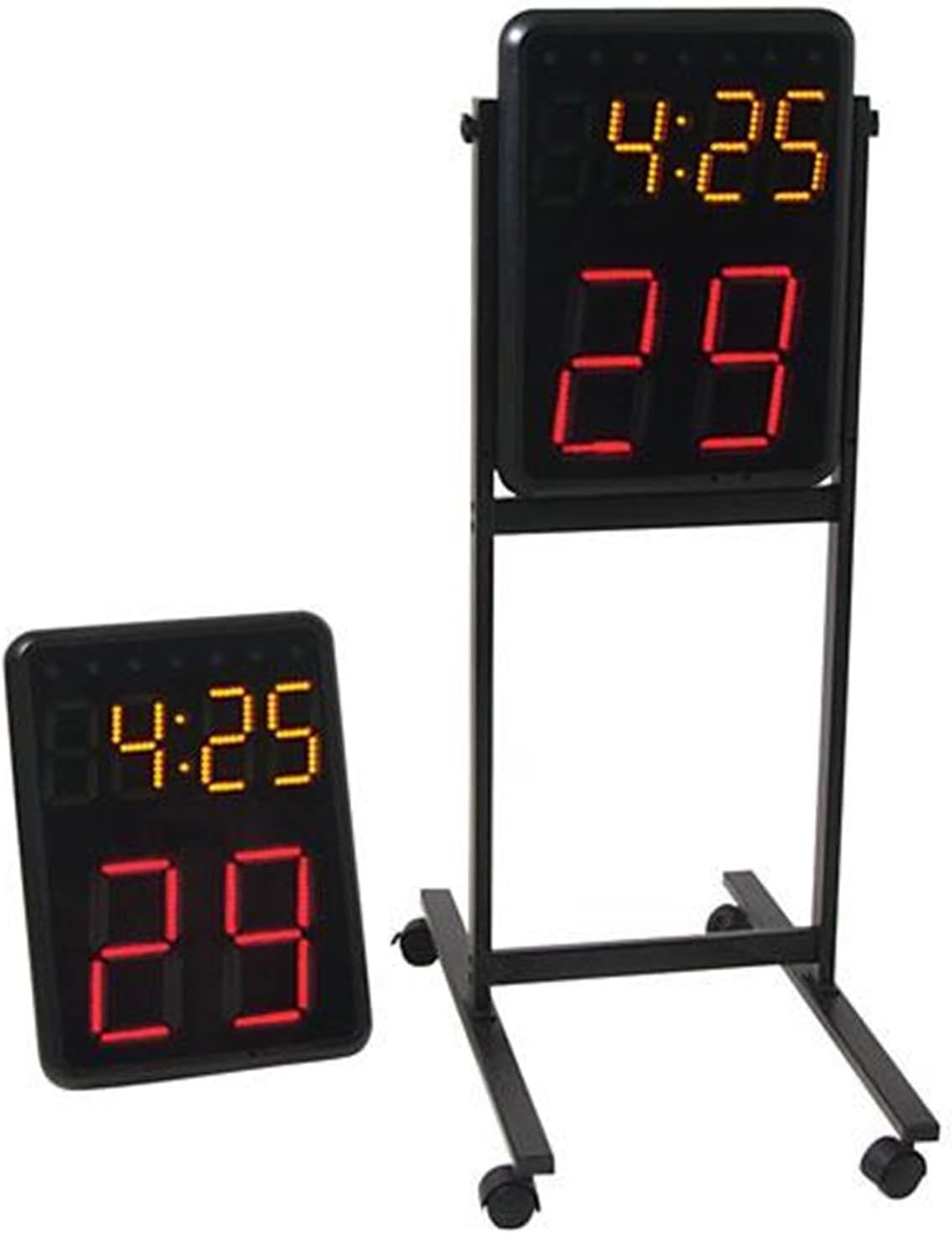
Ask for compatibility confirmation instead of assuming that any 24-second display will work with the existing board. The Wireless Basketball Shot Clock Pair is specifically listed for wireless connection with compatible SK2229R/WC201, SK3048 and SK999-style scoreboards; other existing systems need their own confirmation.
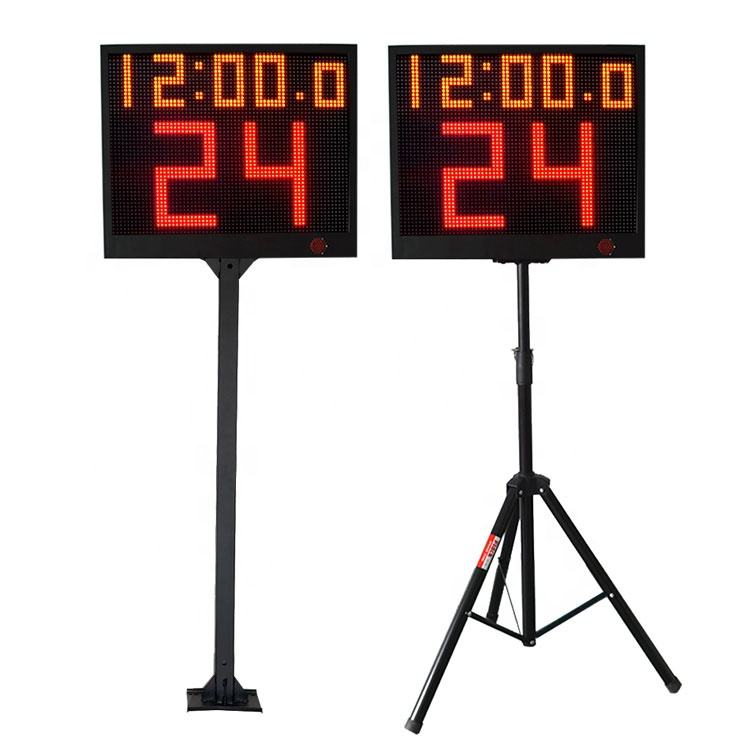
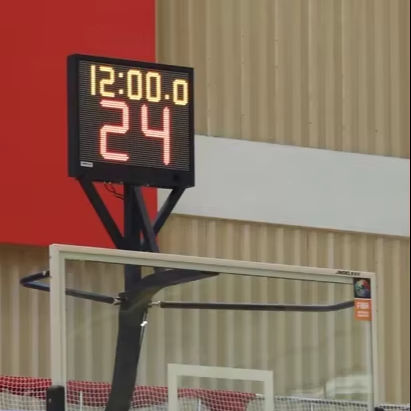
Choose the display location from the court structure. The YS Basketball Hoop Shot Clock Pair is listed with stand brackets for basketball hoops, stands and backboard structures, while the YS 24s LED Shot Clock Pair offers fixed-pole or tripod stand options. Confirm the available support and cable route before selecting a version.
Define who operates game time and the shot clock. The YS 24s pair is listed with app control or a wireless console option, while the Wireless Basketball Shot Clock Pair includes a controller. Tell the supplier whether the upgrade must integrate with an existing scorekeeper workflow or operate as a separate timing unit.
Quote the two ends of the court as one timing package. State whether you need a pair of displays, controller, selected stand or bracket, power version, spare remote and any installation hardware, rather than requesting only a single 24-second display.
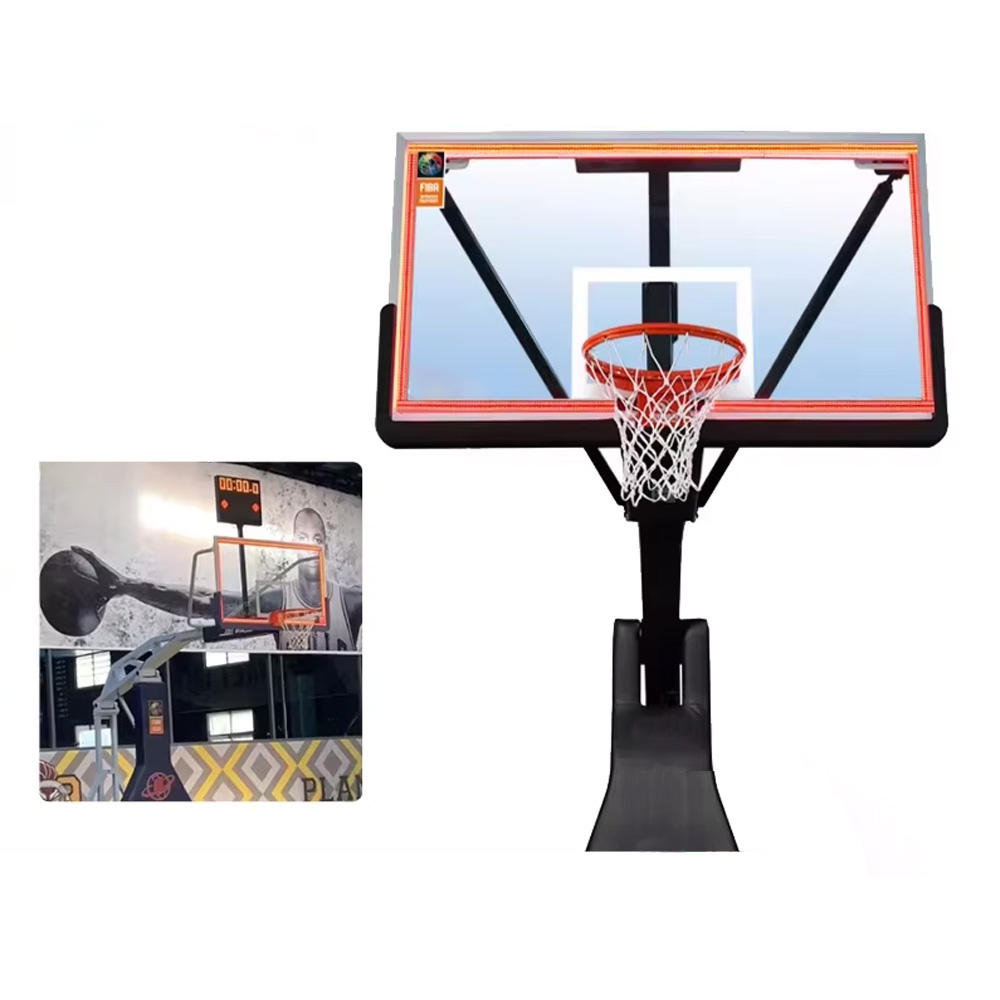
Treat synchronized accessories as separate compatibility items. The YS Synchronized 24s Shot Clock LED Light Strip is an accessory for a 24-second timer, timing software or compatible scoreboard system, so provide the selected timing controller and system details before asking for synchronization.
Send court photos, existing equipment details, quantity, installation preference, control choice, destination and required power arrangement in one request. Ask the supplier to confirm the proposed configuration and included parts before ordering.